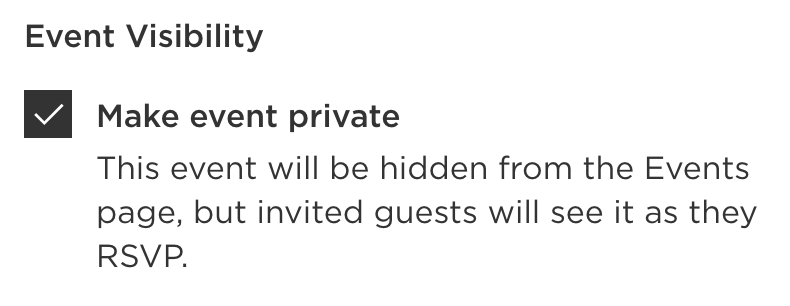
Events can be set as either public or private. When an event is marked as private, it is hidden from the main events page on your Wedding Website, which is visible to all guests. Instead, private events are shown exclusively to invited guests when they submit their RSVP.

To make an event private on your Wedding Website:
- Go to your Minted Websites Dashboard
- Choose Manage next to your Wedding Website
- Select the Site Editor tab from the top menu bar
- Click on your Events page
- Click Add to Events Page + to add a new event, or select Edit next to an existing event to edit the event
- Under "Event Visibility," select the checkbox to Make event private
- Click Save
- This event will now only be visible to invited guests on the Guests page of your Wedding Website
Note: Please note that private events cannot be displayed on the main events page for specific guests. Once an event is set to private, invited guests will see it only after initiating their RSVP. If guests provide an email address during the RSVP process, they will receive a summary email detailing all private events to which they are invited.